Expenses
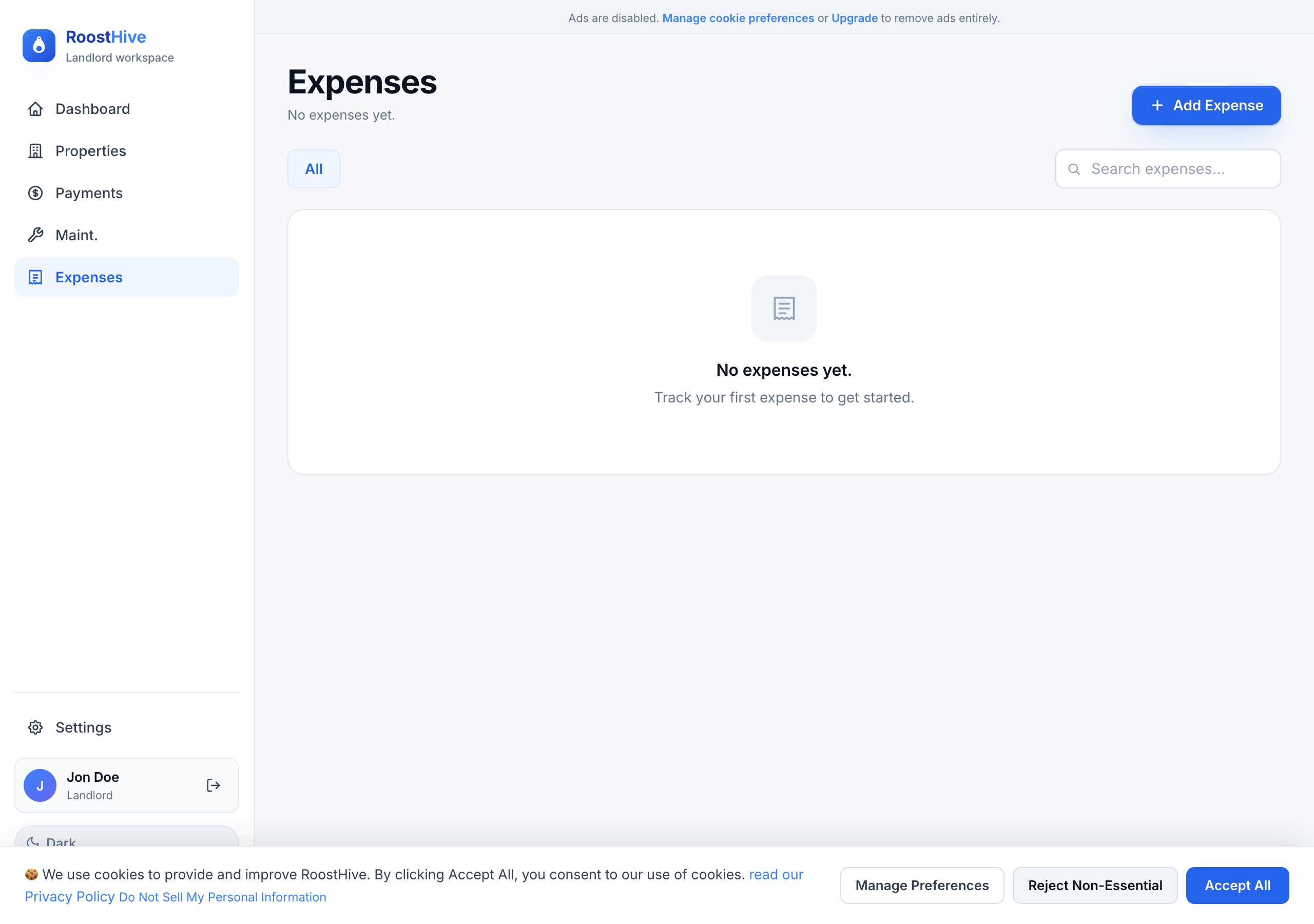
The Expenses page is where you record what each property costs you — repairs, insurance, utilities, management fees, and more. Keeping these up to date means you always know your real return on each unit, and tax season becomes a copy-and-paste job instead of a scramble.
Recording an expense
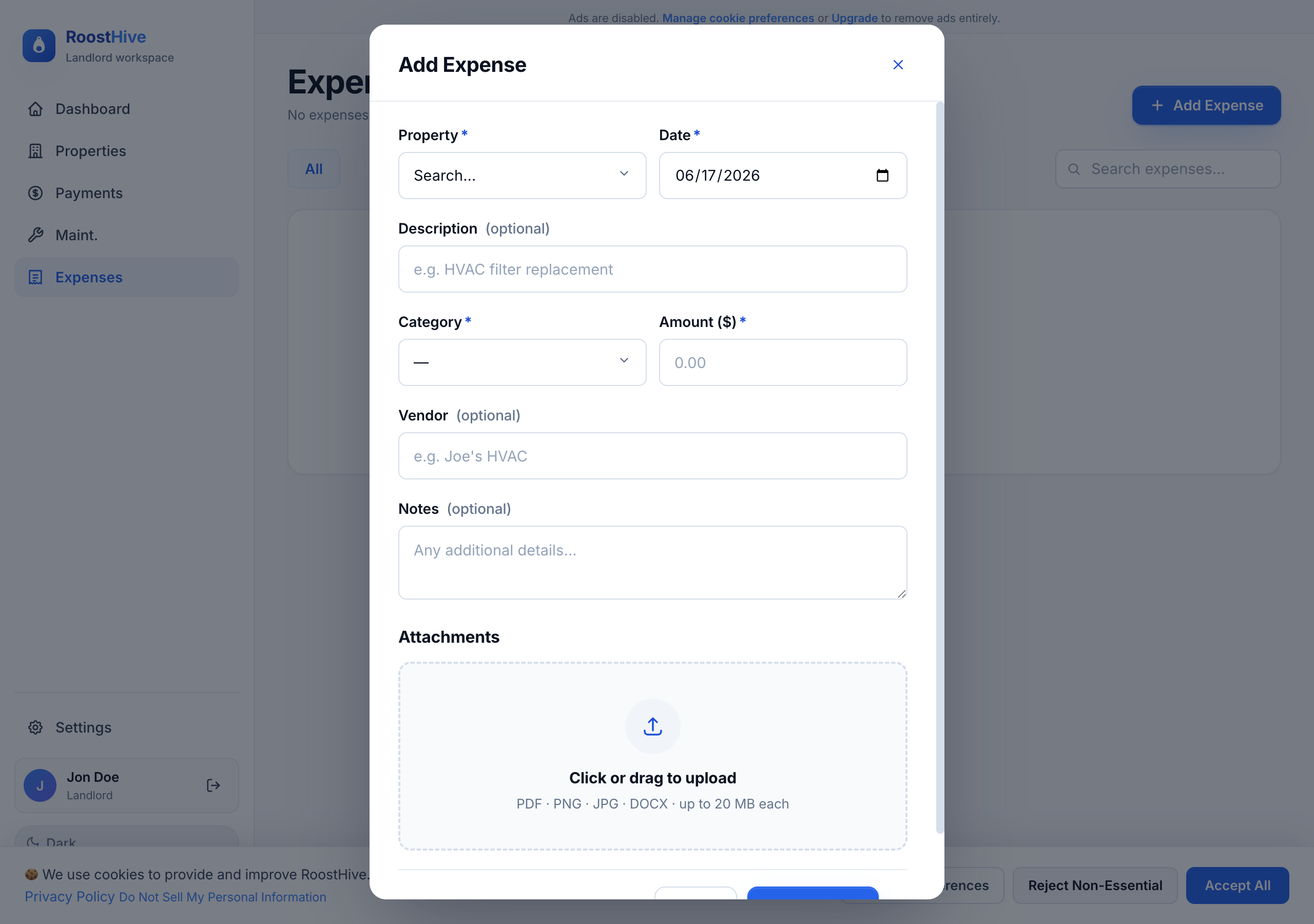
Click Add Expense and fill in the details:
| Field | What to enter |
|---|---|
| Date | When the expense occurred. |
| Description | What it was, e.g. "HVAC filter replacement." |
| Property | Which unit the cost belongs to. |
| Category | The type of expense (see the list below). |
| Amount ($) | How much you spent. |
| Vendor | Who you paid, e.g. "Joe's HVAC." |
| Notes | Any additional details. |
Expense categories
Categories keep your spending organized and map neatly to how rental expenses are typically reported at tax time:
- Repairs
- Cleaning and Maintenance
- Insurance
- Taxes
- Management Fees
- Legal and Professional Fees
- Depreciation
- Utilities
- Advertising
- Other
Tip: These categories mirror the lines on a typical rental income tax schedule, so consistent tagging now saves real time (and possibly money) when you file.
Finding and totaling expenses
The list shows the date, description, property, vendor, category, and amount for each entry, with a running Total at the bottom. Use the search box to find a specific expense, or filter by property or category — for example, to see everything you spent on Repairs at one address this year.
A simple workflow that pays off
- Record costs as they happen Snap the amount in right after you pay a vendor, while it's fresh.
- Always pick the property and category This is what makes filtering and tax prep effortless later.
- Tie repairs together When you complete a job in Maintenance, add its cost here under Repairs.
- Review per property Filter by property now and then to see which units cost the most to run.