Payments & Collecting Rent
The Payments page is where you track every dollar owed and received — rent, one-off charges, bills, and credits — across all your properties. You can mark items paid or due, and send tenants a link to pay you online by card or bank transfer.
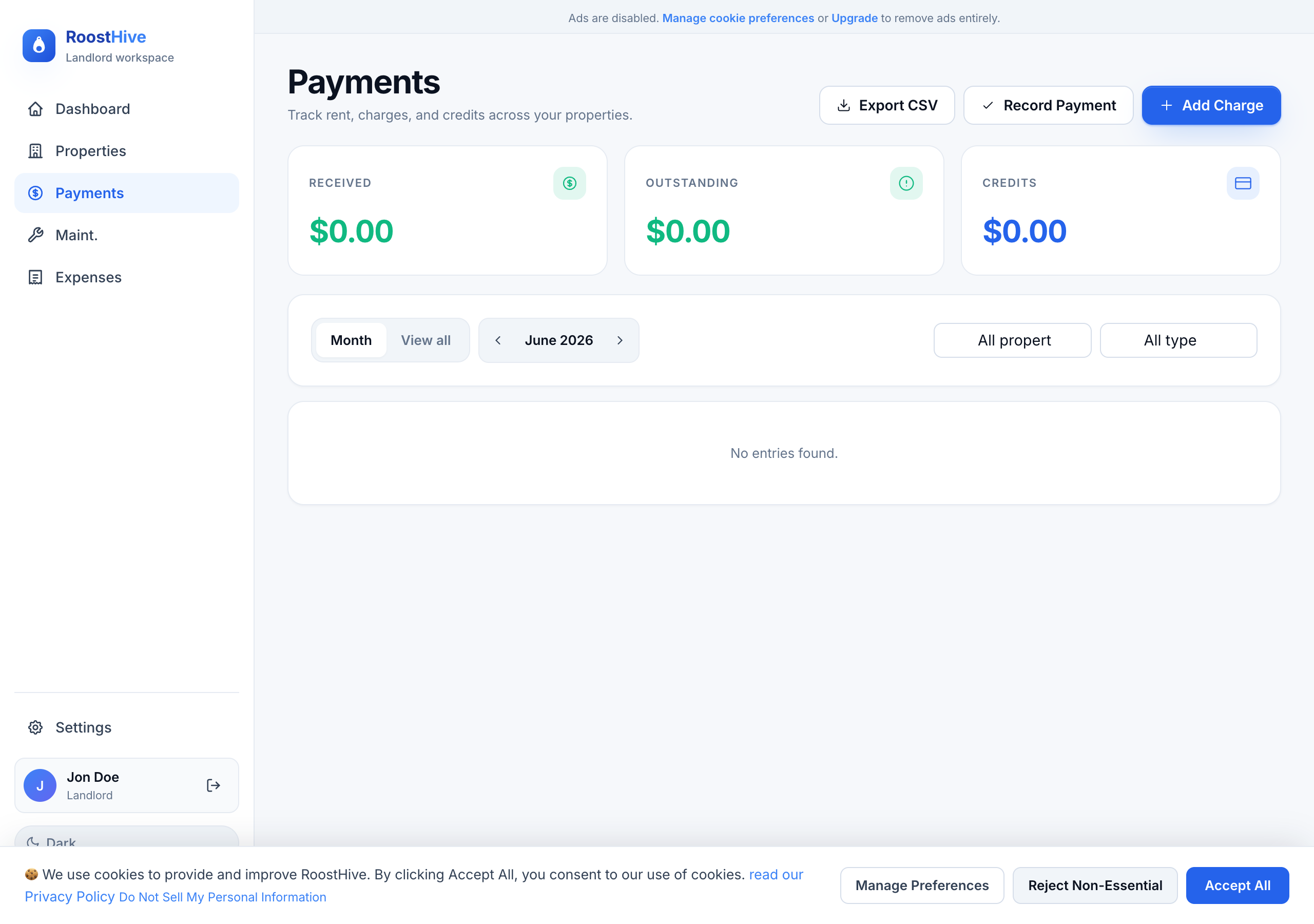
What you'll see
At the top, three summary figures keep you oriented: Received (collected), Outstanding (still owed), and Total charges. Below that is a list of every payment, which you can filter by month, property, or status, or search by description. Each row shows the date, description, property, type, amount, status, and paid date.
Adding a charge
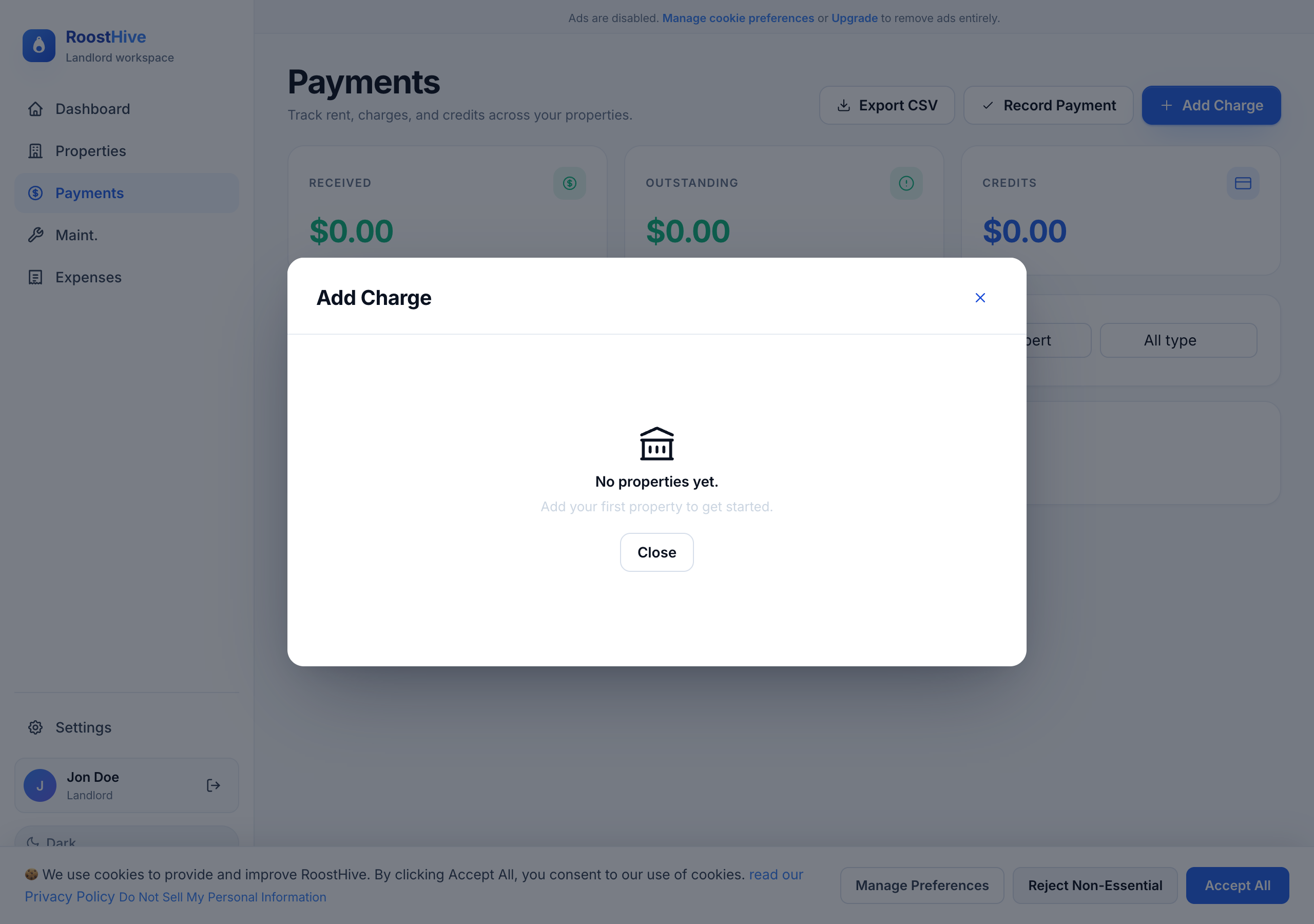
A "charge" is anything a tenant owes — most often the monthly rent. To add one, click Add Charge and fill in:
| Field | What to enter |
|---|---|
| Description | e.g. "Monthly rent – January." |
| Type | Rent, Charge, Bill, or Credit. |
| Category | Optional grouping for the charge. |
| Amount ($) | How much is owed. For rent, this defaults from the property's monthly rent. |
| Due Date | When it's due. |
| Paid Date | Fill this in once it's been paid (or use "Mark paid" later). |
| Status | Due, Paid, or Overdue. |
| Notes | Anything else worth recording. |
Marking payments paid or due
When a tenant pays, find the charge and click Mark paid — RoostHive records the paid date and moves it into your "Received" total. Made a mistake? Mark due reverses it. These two actions keep your Dashboard and monthly summaries accurate without any math on your part.
Sending a tenant a payment link
RoostHive can collect rent online so tenants don't have to hand you a check. Click Send invoice on a charge to generate a secure payment link:
- Open "Send Invoice" Click "Send invoice" on the charge you want paid.
- Add the tenant's email (optional) Enter their email to send it directly, or just generate a link to share yourself.
- Review the amount You'll see the invoice amount, and — if they choose to pay by card — the small processing fee the renter covers.
- Generate the payment link Click "Generate payment link," then copy it or let RoostHive email it.
- Tenant pays online They open the link and pay securely. The charge updates once payment goes through.
Card vs. bank transfer (ACH)
Tenants can pay two ways, and RoostHive is upfront about the cost of each:
- Bank transfer (ACH) — Free. The most economical option; no fees.
- Credit or debit card — instant, with a small processing fee that the renter pays, not you.
Exporting your payments
Need your records outside RoostHive — for an accountant or your own files? You can export your payments as a CSV spreadsheet with columns for date, description, property, type, category, amount, status, and paid date.